
How to Set Up Apple CarPlay®
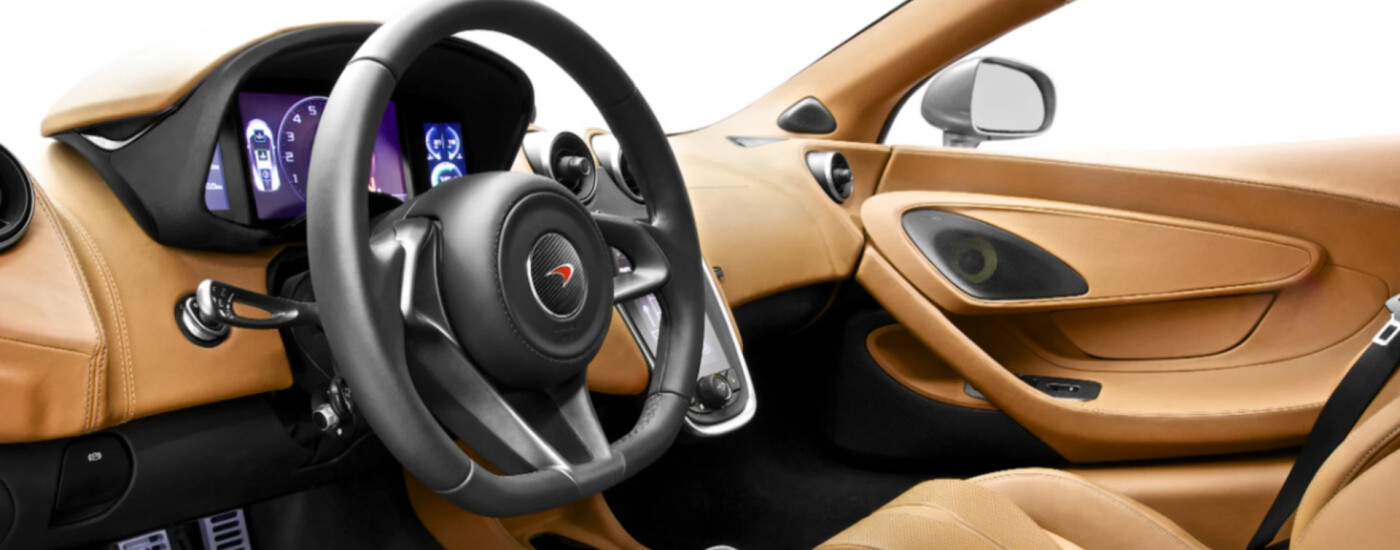
McLaren Palm Beach is proud to be your go-to guide to the local area. We’ll service your vehicle to ensure it performs at its best, find the new McLaren vehicle best suited for you, and teach you how to set up your current technology features, like wireless Apple CarPlay®. If you are struggling and would like to know how to connect Apple CarPlay®, feel free to contact the McLaren Palm Beach service center.
What is Apple CarPlay®?
For Wellington drivers who are unfamiliar, Apple CarPlay® helps take your driving experience to new heights. This feature allows a driver to connect their iPhone to the vehicle so they can get turn-by-turn directions, make phone calls, listen to music, or send and receive text messages without having to take their eyes off the road or their hands off the steering wheel. Stay focused on the Jupiter roads and read on to see how to connect Apple CarPlay® in your vehicle!
Instruction on How to Set Up Apple CarPlay®
Ready to get started using these features on your Wellington drives? Here are our step-by-step instructions on how to connect Apple CarPlay®:
- First, make sure that your McLaren supports Apple CarPlay®. Also, be sure you’re in an area where the Apple CarPlay® technology will work because CarPlay® is not available in every region.
- Start your vehicle, then check to see if Siri is on.
- Connect your iPhone to your McLaren vehicle:
- If your vehicle supports CarPlay® via a USB cable, go ahead and plug your iPhone into the USB port in your car. The USB port may be labeled with a CarPlay® or smartphone icon.
- If you have a vehicle that supports wireless CarPlay®, press and hold the voice-command button on the steering wheel. Be sure your radio is either in Bluetooth® or wireless mode. On your iPhone, go to Settings > General > CarPlay®, then tap available cars, and select your vehicle. Refer to your owner’s manual for additional information.
How to Update Apple CarPlay®
Now that you know how to set up Apple CarPlay®, it’s crucial to stay updated with the latest features. Let’s explore how to keep your wireless Apple CarPlay® system up to date to ensure you can enjoy all the newest functionalities on your Boca Raton drives.
- Go to Settings > General, and tap CarPlay®.
- Choose your car, truck, or SUV.
- If you want to add or delete anything, this is the chance to do that. All you have to do is delete your icons. You can also drag an app icon to change the other.
Visit McLaren Palm Beach Today!
For additional questions about wireless Apple CarPlay® or to simply set it up, give us a call today at 561-462-1379. We’re here to help make sure you’re getting full use of your incredible McLaren technology. Plus, our service center offers a rotating selection of specials to help you save on important maintenance.
More from McLaren Palm Beach
2026 McLaren Artura Trim Levels
Shopping around Wellington or the neighboring communities for an exciting, brand-new luxury vehicle? The 2026 McLaren Artura represents a thrilling advancement in high-performance sports cars. This engineering masterpiece combines blistering speed with a sophisticated hybrid powertrain, appealing to drivers in the greater Jupiter area who desire an exhilarating experience alongside environmental responsibility. With four…
2025 McLaren GTS Interior
The 2025 McLaren GTS defies expectations with blistering speed and an exterior design that makes people stop and stare in Jupiter. However, while the roaring engine and aerodynamic body are made for everyone to admire, the McLaren GTS interior centers solely around the driver’s experience. You will be surrounded by the finest materials and…
2025 McLaren GTS 0-60 & Top Speed
Boasting an ultra-powerful engine and a lightweight design, the 2025 McLaren GTS offers nothing short of pure exhilaration on the roads of Jupiter, Wellington, and beyond. From the McLaren GTS horsepower and torque to its 0-60-mph times to its top speeds, everything about this supercar’s performance promises pulse-pounding thrills. Discover the 2025 McLaren GTS…